Accounts & sign-ins
Connect eligible provider accounts where supported. Provider plan rules apply.
One app for coding, research, documents, browser work, communication, agents, and automation — powered by the models you choose through supported accounts, APIs, gateways, cloud routes, or local inference.
Desktop app, npm install, or source build for your AI everything workspace.
Explore CoWork OS by workflow.
MIT licensed
Open-source repo, releases, and documentation on GitHub.
macOS, Windows, Linux
Desktop installers, npm install, and self-hosted deployment paths.
Install and use in minutes
Download the app, use npm, or build from source with docs-backed setup.
Changelog and releases
Track release notes, version history, and project progress from canonical docs.
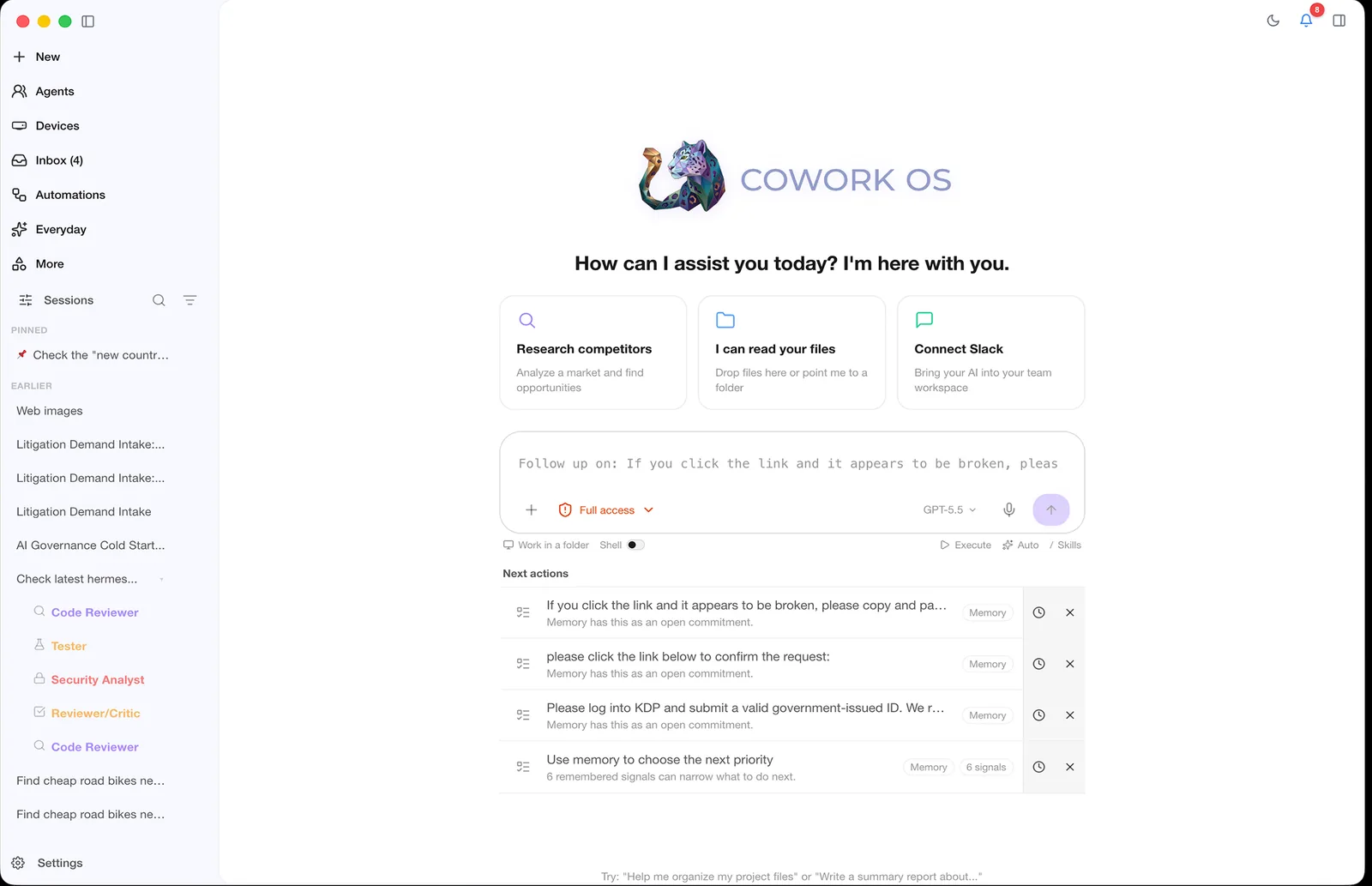
Product preview
The main workspace keeps suggested workflows, active context, recent runs, and the task composer in view.
Open harness underneath
CoWork OS keeps tools, skills, memory, approvals, agents, artifacts, automations, and task history in one harness. Choose among supported model sources without rebuilding the rest of your workflow.
Connect eligible provider accounts where supported. Provider plan rules apply.
Bring keys for direct model access and provider-controlled billing.
Use supported routing layers and cloud credentials you already operate.
Run supported local inference routes such as Ollama on your own hardware.
CoWork OS is free and open source. Providers, gateways, connected services, and account plans may charge separately and apply their own eligibility and usage rules.
Built for real agent workflows — not experiments. Run agents locally with full visibility and control.
Desktop, headless, remote, and channel-based execution. Four per-task modes: Autonomous, Collaborative, Multi-LLM, and Think With Me.
Approval-gated destructive actions, spending controls, and sandbox isolation, with clear boundaries for local and configured cloud services.
Timeline events, outputs, files, decisions, and operator visibility — all in one place. No blind spots.
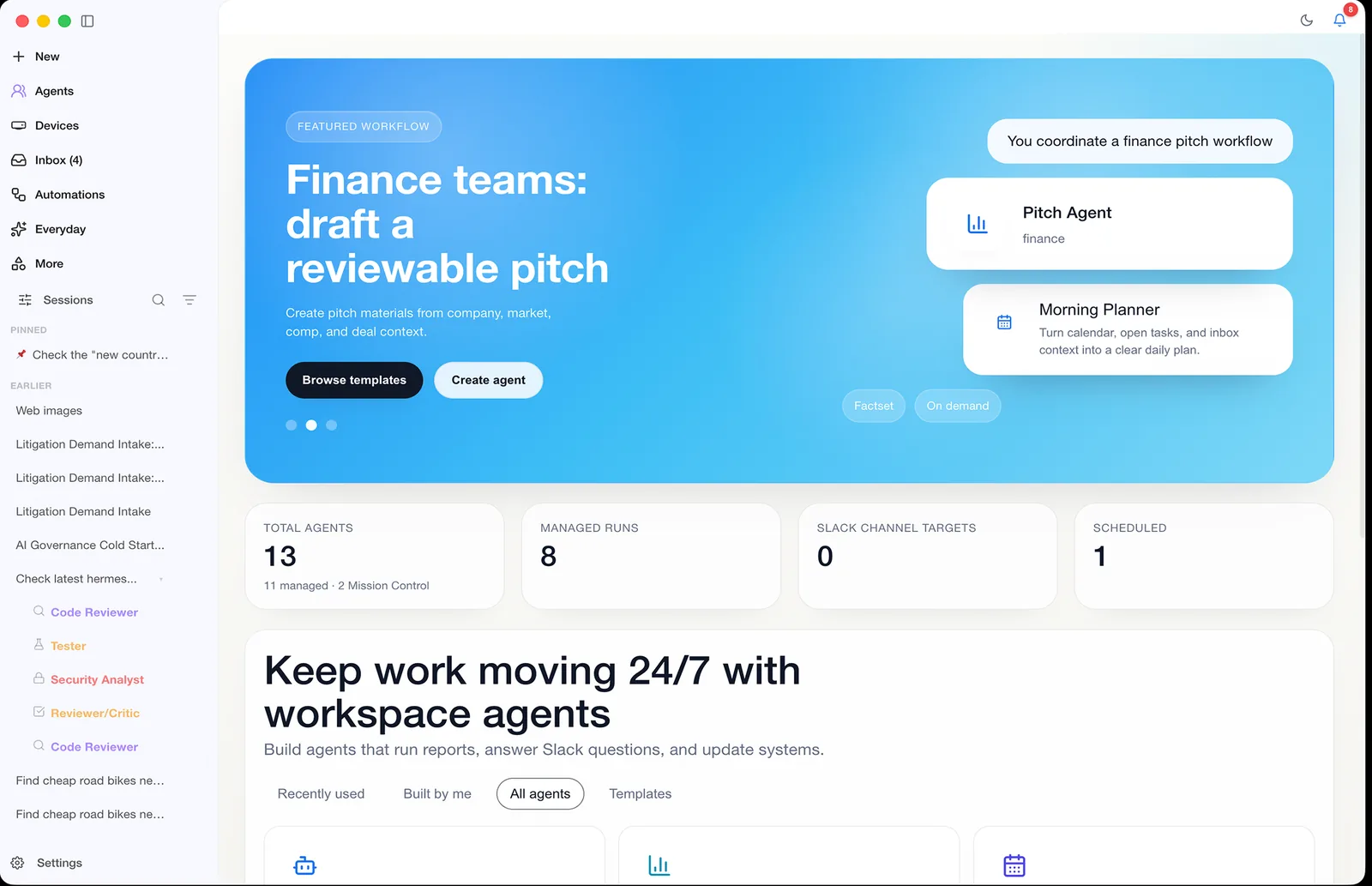
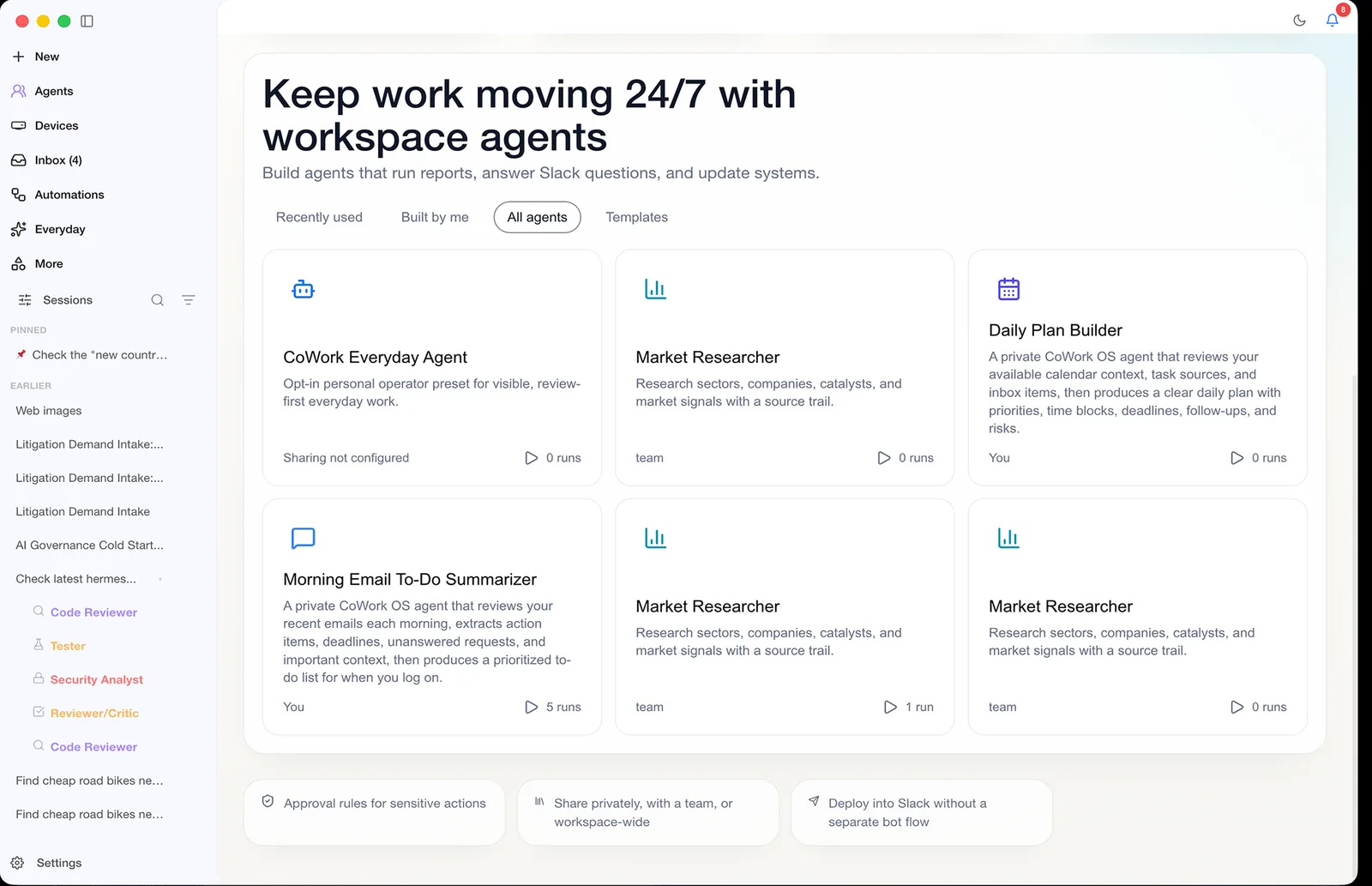
Download the desktop app, install from your terminal, or connect with the open-source repo when you want full control of the runtime.
> cowork-os --mode collaborative
Tip: approve risky shell actions before execution.
100% context left
Works anywhere Node.js runs.
Let's build
Create a recurring standup from GitHub activity
Desktop installers for local-first work.
I prepared the local dev workspace, checked docs routes, and staged the release workflow.
Build from source
Clone the repo and customize the stack.
Use the repository for releases, docs, issues, and source-level review.
macOS first launch may require Privacy & Security → Open Anyway.
Windows SmartScreen may require More info → Run anyway.
Public adoption signals
These are public adoption signals from GitHub and npm. They are not active-user or in-app telemetry numbers.
GitHub stars
Unavailable
Public repository stars.
GitHub forks
Unavailable
Public repository forks.
Latest release
Unavailable
Published Unavailable.
Installer/server downloads
Unavailable
Unavailable.
Last week
Unavailable
npm downloads
No prompts, files, emails, or installed-app events are collected.
Repo-backed metrics, docs, releases, and install paths you can verify yourself.
Dozens of model routes
Supported accounts, APIs, gateways, cloud credentials, local models, and orchestration.
Providers docs →
Multi-channel gateway
WhatsApp, Telegram, Discord, Slack, Teams, Signal, iMessage, X, and more.
Channels docs →
Bundled skills
Reusable workflows for code, documents, automation, infrastructure, finance, and operations.
Features docs →
Reliability checks
Automated security, runtime, provider, and interface regression coverage.
Security guide →
A clear, approval-gated execution loop from request to output.
Step 1
Tell CoWork OS what you want. It creates an execution plan automatically.
Step 2
Choose a mode — Autonomous, Collaborative, Multi-LLM, or Think With Me — and let the agent run.
Step 3
Track timeline events, shell output, generated files, and agent decisions in real time.
Step 4
Destructive actions and spending remain explicitly approval-gated by design.
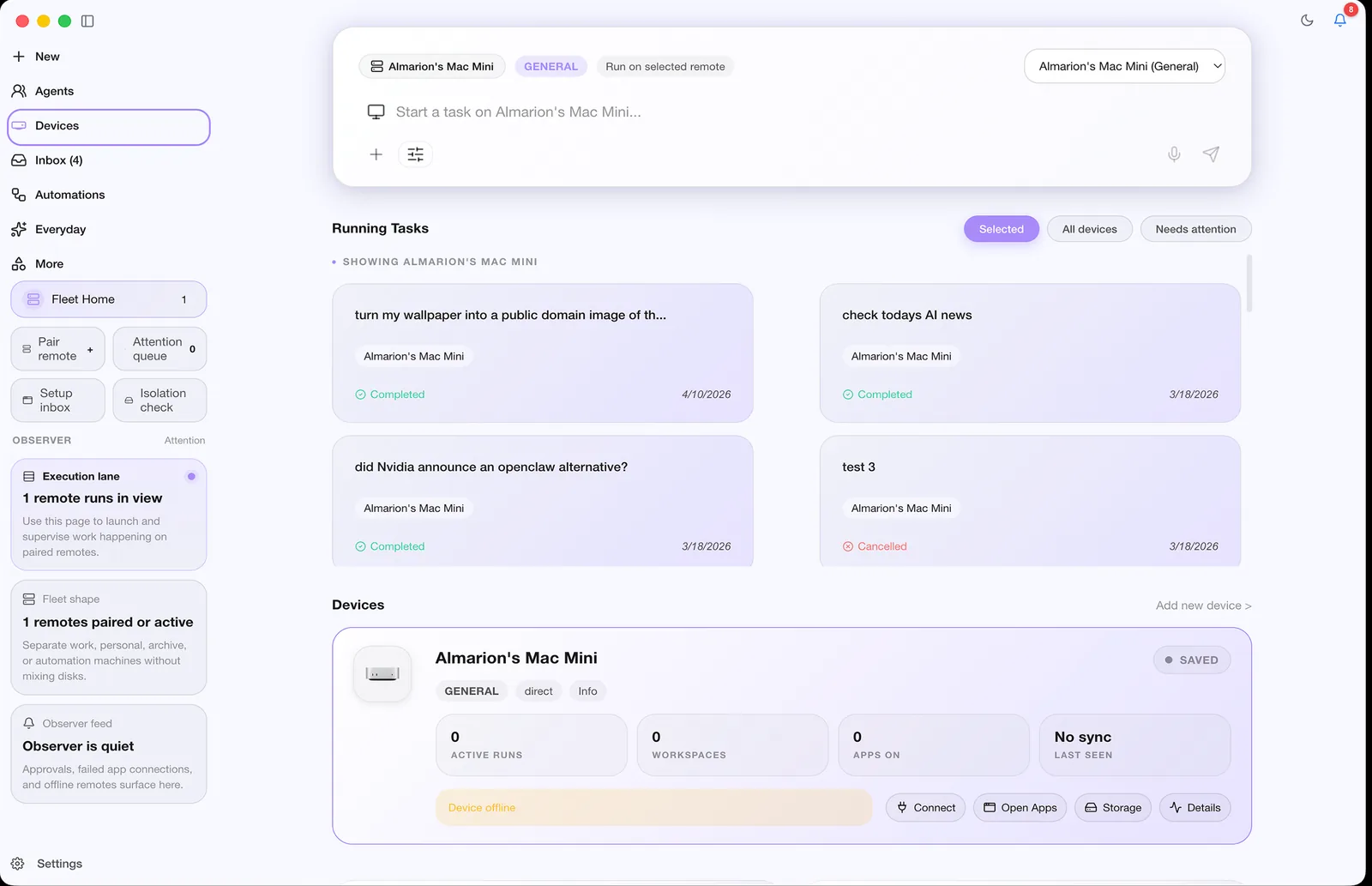
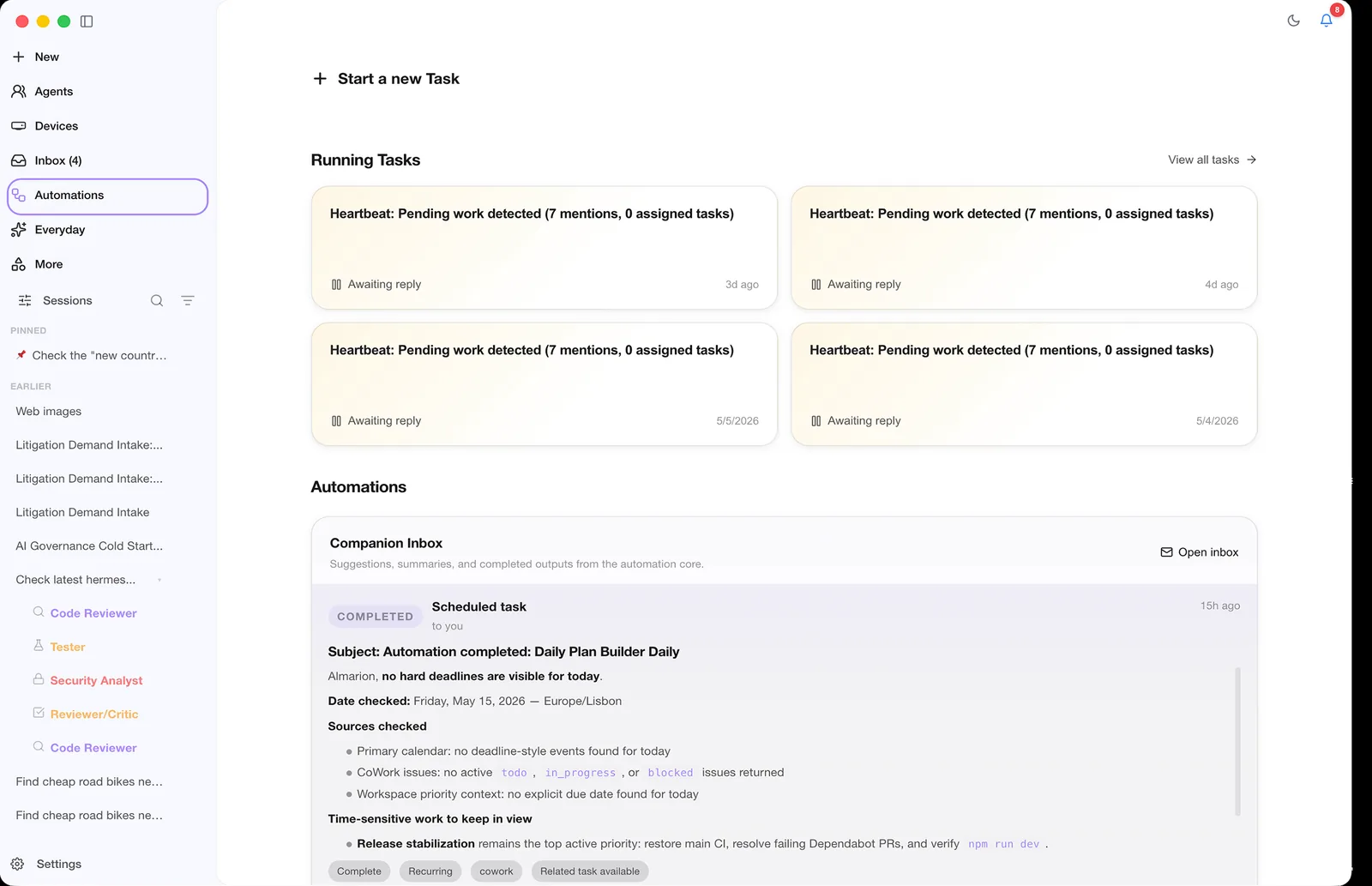
Production differentiators from the README and docs, focused on reliability and operator visibility.
Kanban board, heartbeat monitoring, standup reports, and centralized orchestration.
Read docs →
High-signal completion toasts, file visibility cues, and artifact parity.
Read docs →
Live connectors and enabled skills are always visible with auto-refresh.
Read docs →
Cost/token tracking, heatmaps, top skills, and pack-level analytics.
Read docs →
Learns what worked from successful runs and feeds patterns into future tasks.
Read docs →
Import prior conversation history to avoid cold-start context loss.
Read docs →
Task-based execution with dynamic re-planning, multi-agent collaboration, and persistent teams. Watch the real-time timeline as the agent plans, executes, and produces artifacts.
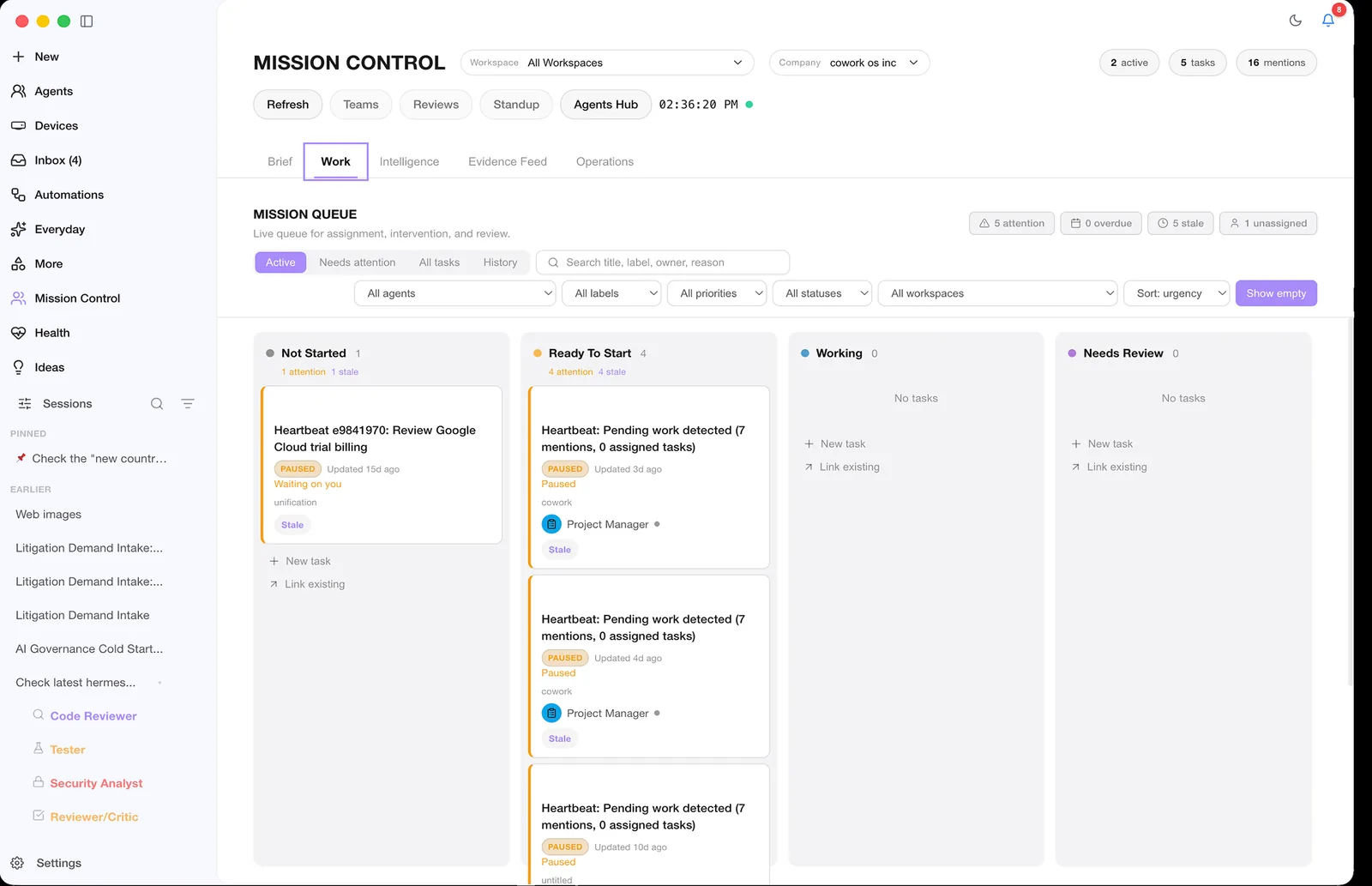
Agent-driven visual workspace for interactive content, data visualization, and iterative development workflows.
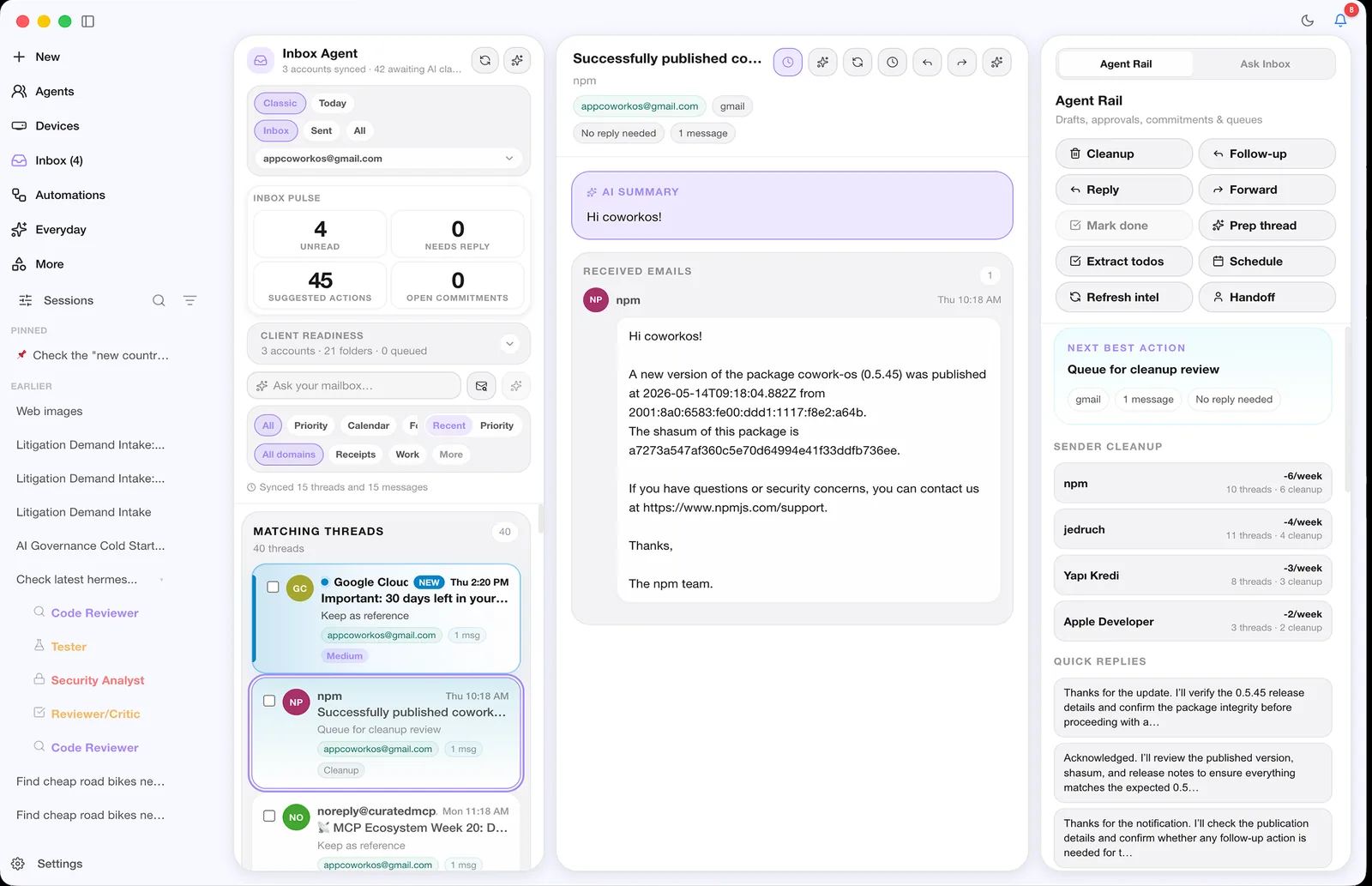
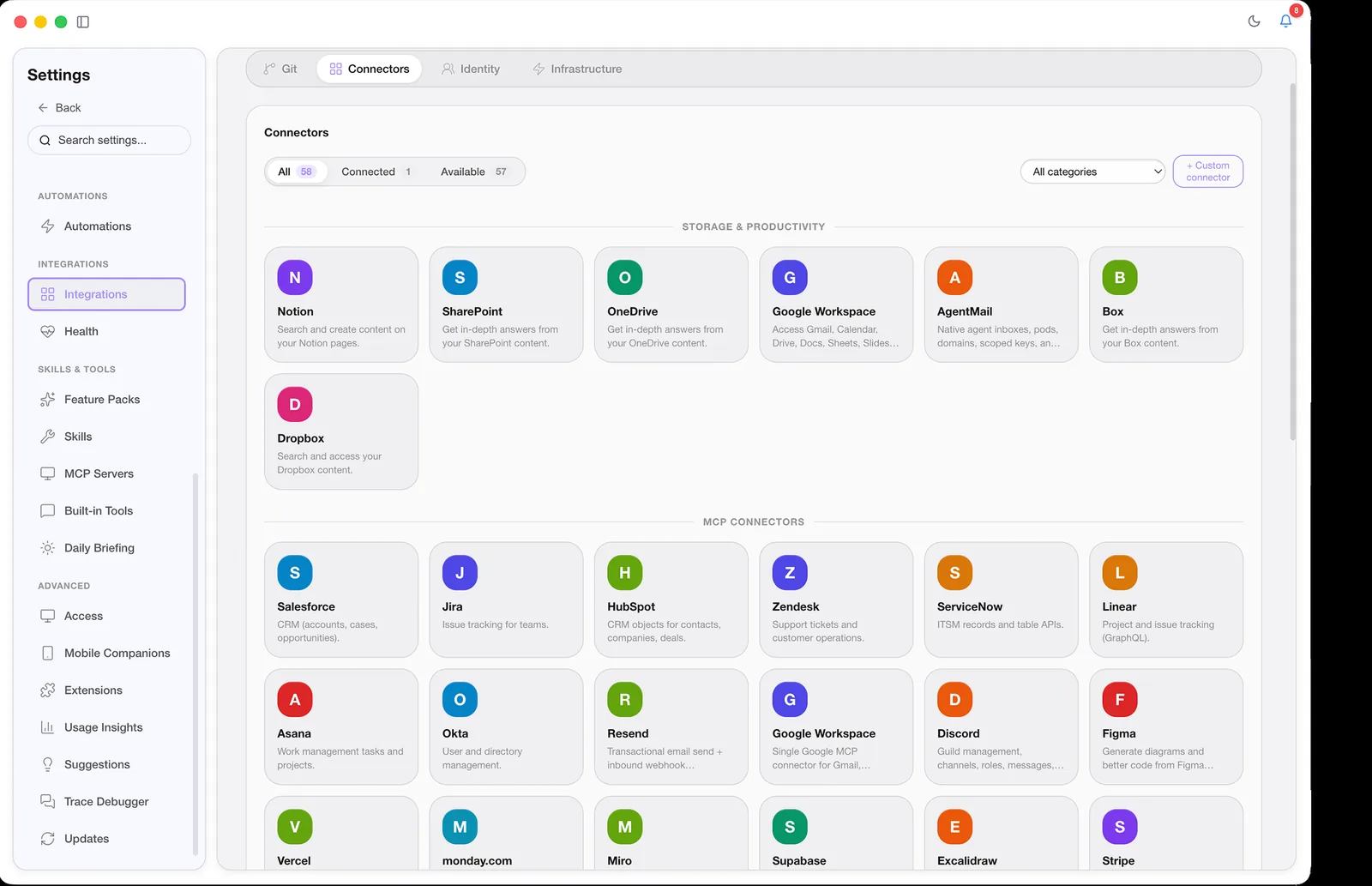
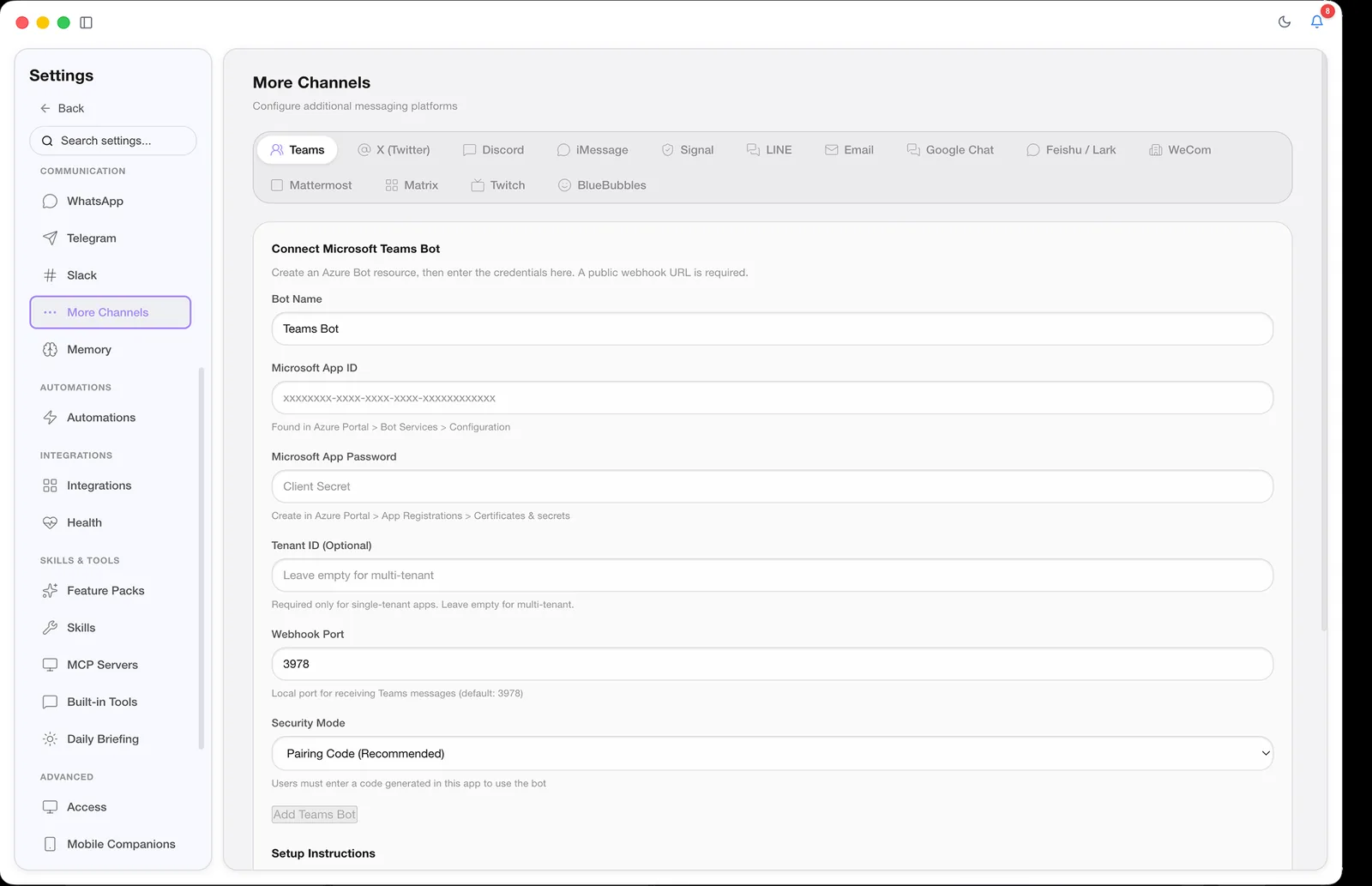
Connect CoWork OS to your messaging channels, providers, and infra surfaces without rebuilding your workflow.
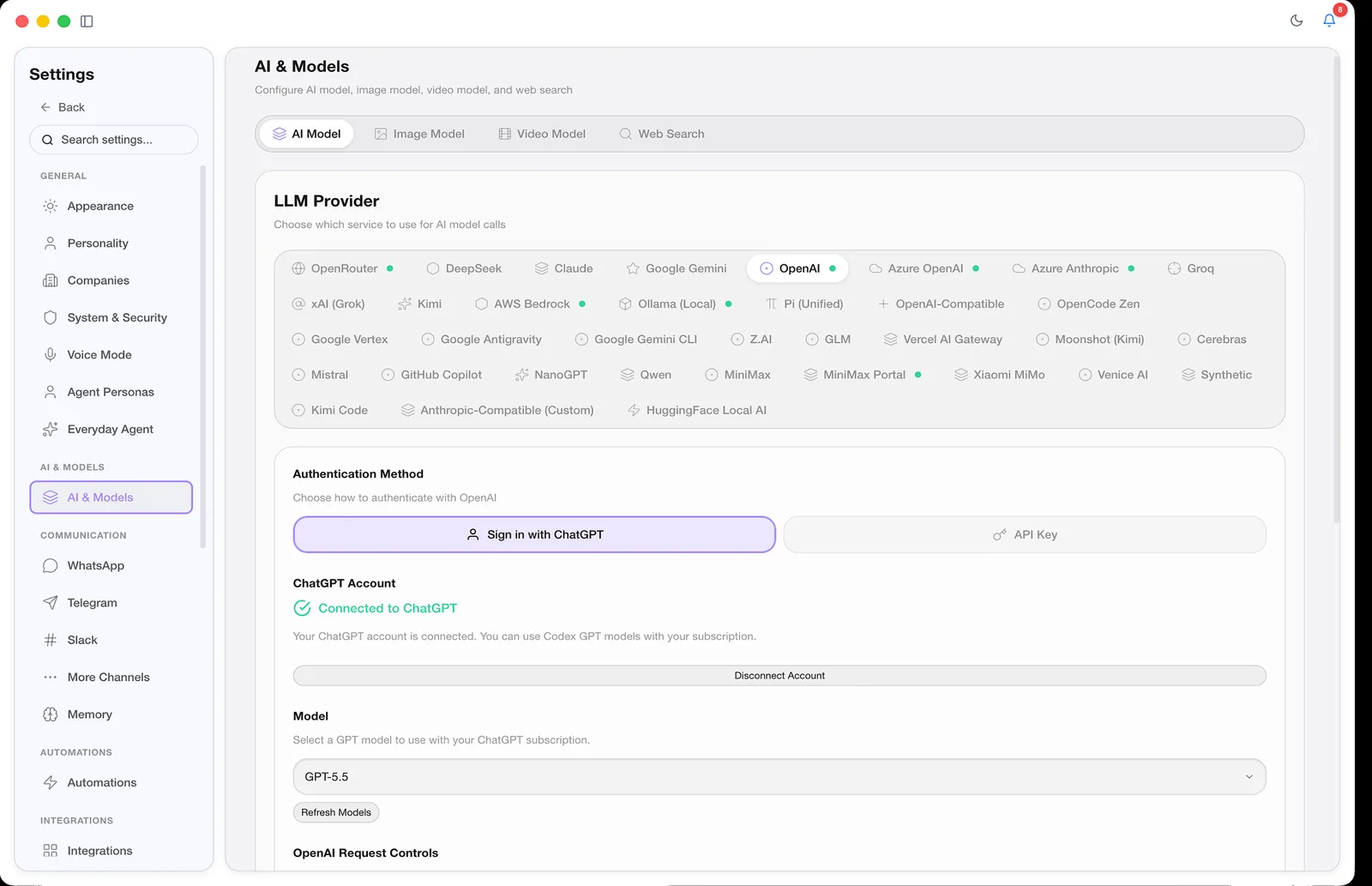
Top security score on ZeroLeaks with approvals, guardrails, sandbox isolation, and encrypted local storage. Includes 3200+ tests with 132+ security unit tests and 259+ WebSocket protocol tests.
Explicit consent required for destructive operations and spending actions.
macOS sandbox-exec, Docker isolation, or process-level sandboxing.
Operational state is local by default. Cloud routes receive requests and credentials only as required by the configured service.
Choose the runtime form that matches your environment and operational requirements.
If you are already evaluating adjacent agent tools, these down-funnel resources explain where CoWork OS fits.
| Positioning Lens | OpenClaw | CoWork OS |
|---|---|---|
| Category | Open personal-agent and channel runtime | Open AI super app and desktop control plane |
| Primary use case | Configure and operate an agent hub | Work directly, delegate, review, and automate |
| Security posture | Varies by workflow and setup | Built-in approvals, guardrails, sandbox isolation, encrypted local storage |
| Runtime surfaces | Operator and messaging surfaces | Desktop app + CLI + headless daemon + messaging gateway |
| Data ownership | Self-hosting and configured model providers | Local operational state plus supported account, API, gateway, cloud, and local routes |
Product guides, use cases, and comparison pages for readers who have moved beyond the homepage.
Production-focused comparison and migration framing.
Free, open-source local alternative to hosted AI coworking tools.
Execution-first assistant model for real operational workflows.
Runtime, control, and context layers for team operations.
Deployment patterns for controlled, production agent execution.
Showcase pages, including a novel built end to end with the Novelist skill.
Free, open-source, and ready to run on your machine. Download the app, install via npm, or build from source.