Get up to speed with Cowork OS

Learn what Cowork OS can do, choose a first workflow, and move from one-off agent help to safe, inspectable operating loops.

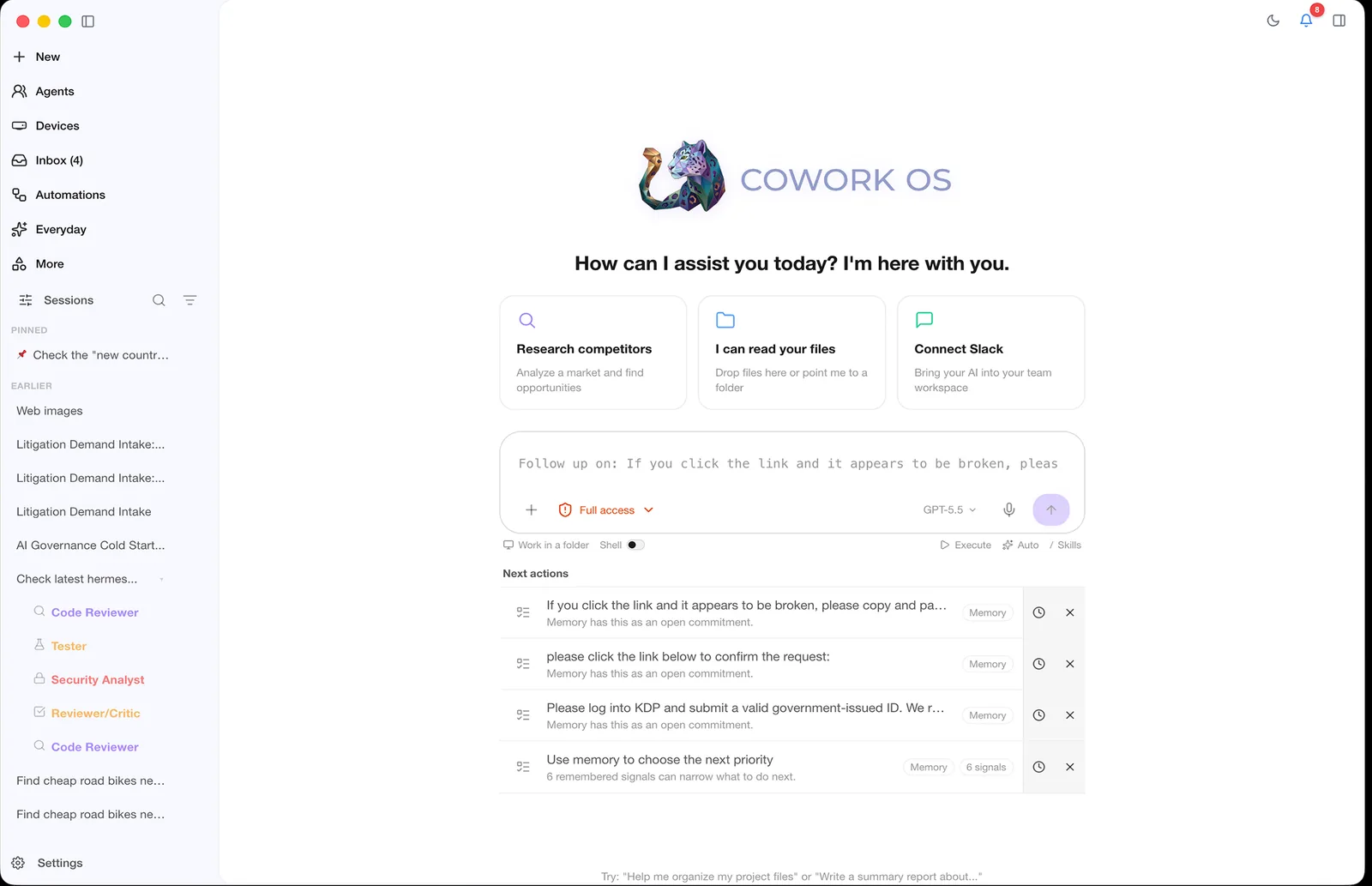
Cowork OS agent workspace

Step 1

Plan

Step 2

Execute

Step 3

Review

Suggested Path

Progress from first run to operating loop

First hour

Learn by operating one visible task

Keep the workspace small and the expected output obvious. Good first runs include folder cleanup, meeting-note synthesis, and project status drafts.

One workspace
No external writes
Human review before action

First week

Repeat the workflows that saved time

Promote successful one-off runs into templates, skills, or recurring routines once the output is consistently useful.

Reusable prompts
Saved artifacts
Approval gates still on

Ongoing

Build a durable operator loop

Add channels, memory, automations, and profiles so Cowork OS can keep track of commitments and hand work back when judgment is needed.

Background checks
Channel routing
Periodic audit

Safety

Expand permissions only after the workflow earns it

Cowork OS is most effective when it can operate, but operating does not mean giving every workflow every tool. Keep trust proportional to risk.

A safe first setup

Use one workspace and one profile.

Stop before sending, deleting, spending, or changing external systems.

Review generated files and messages before reusing them.

Turn successful one-off work into automation only after repeated checks.

FAQ

What should I try first in Cowork OS?

Start with a bounded workflow you can inspect, such as a project summary, inbox triage draft, folder organization, or research brief.

Do I need to connect every app before Cowork OS is useful?

No. Start with local files and one workspace. Add providers, channels, and connected apps only after a workflow needs them.

When should I turn on recurring automation?

Use recurring automation after a one-off workflow has produced useful results several times and the approval boundaries are clear.

How should teams introduce Cowork OS safely?

Use scoped profiles, explicit workspaces, approval-gated actions, and a short list of verified workflows before expanding permissions or channels.
Resources

Keep going with the docs and source

Use this page as the map. Go deeper only where your current workflow needs more capability, control, or context.

GitHub